Show Graph and Timeline
The read-only Show Graph observability window and the Timeline timecode ruler.
CueForge offers two read-only observability windows for understanding what the show is doing: the Show Graph and the Timeline. Neither can control the show — they only show you what the engine sees.
Show Graph
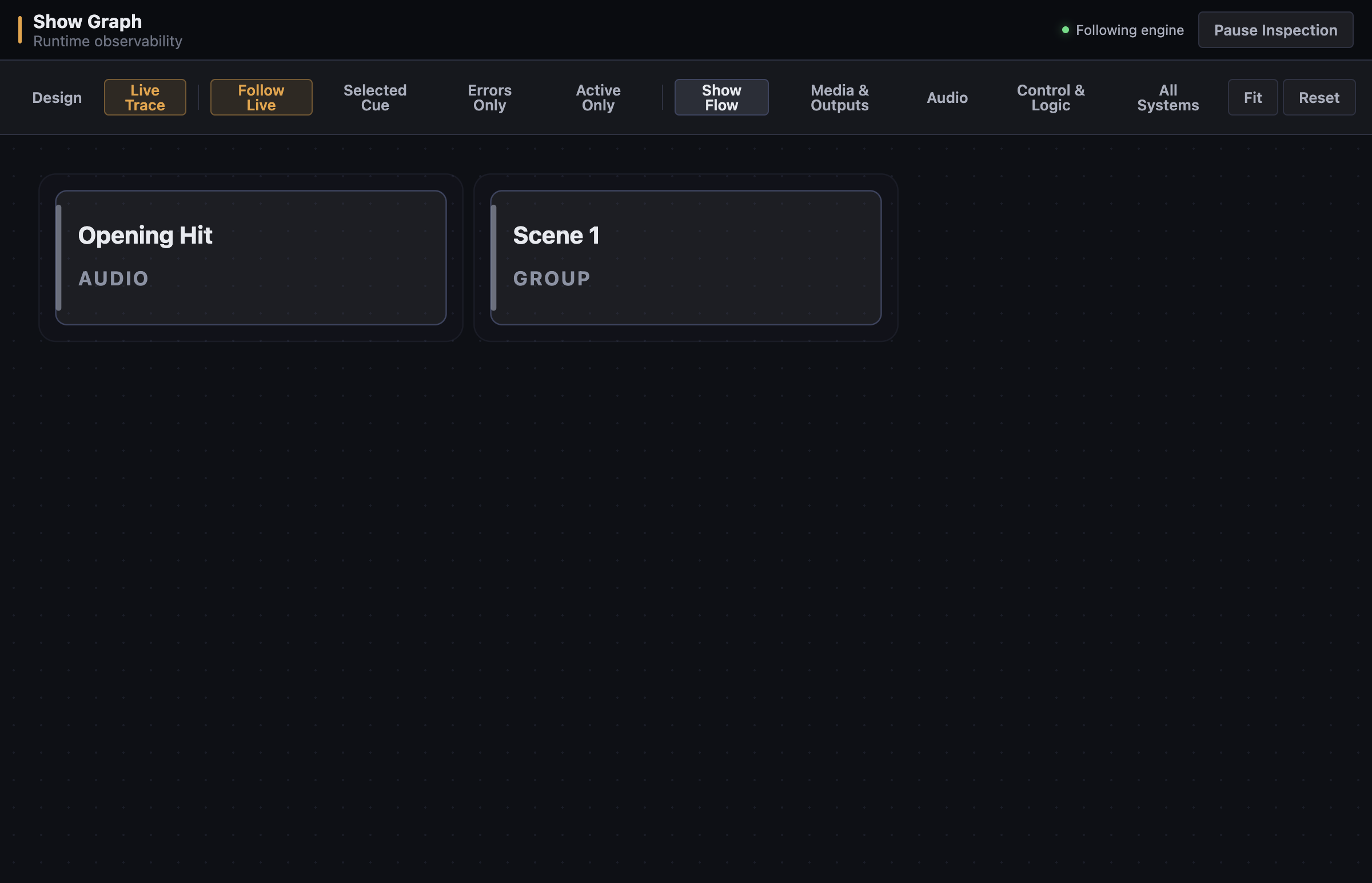
Window → Show Graph opens the read-only observability window (“Runtime observability” / “Show structure”).
Views
The View menu switches between:
- Design — the show’s structural view: cues, groups, and how they nest.
- Live Trace — what the engine has actually executed: which cues fired, in what order, with timing.
- Follow Live — keeps the view pinned to current engine activity.
What operators use it for
- Confirming during rehearsal that the engine saw the show the way you intended — group completion order, auto-continue chains, call and stop behaviour.
- Tracing what happened after a confusing moment: Live Trace shows the sequence of engine events, which is often the fastest way to answer “why did that cue fire?”.
- Verifying structure on shows built by someone else.
Note: The Show Graph never controls the show. There are no GO, STOP, or edit actions in this window; it cannot change engine state.
The Show Graph window in Design structure view, with the cue graph canvas and layer filters.
Timeline
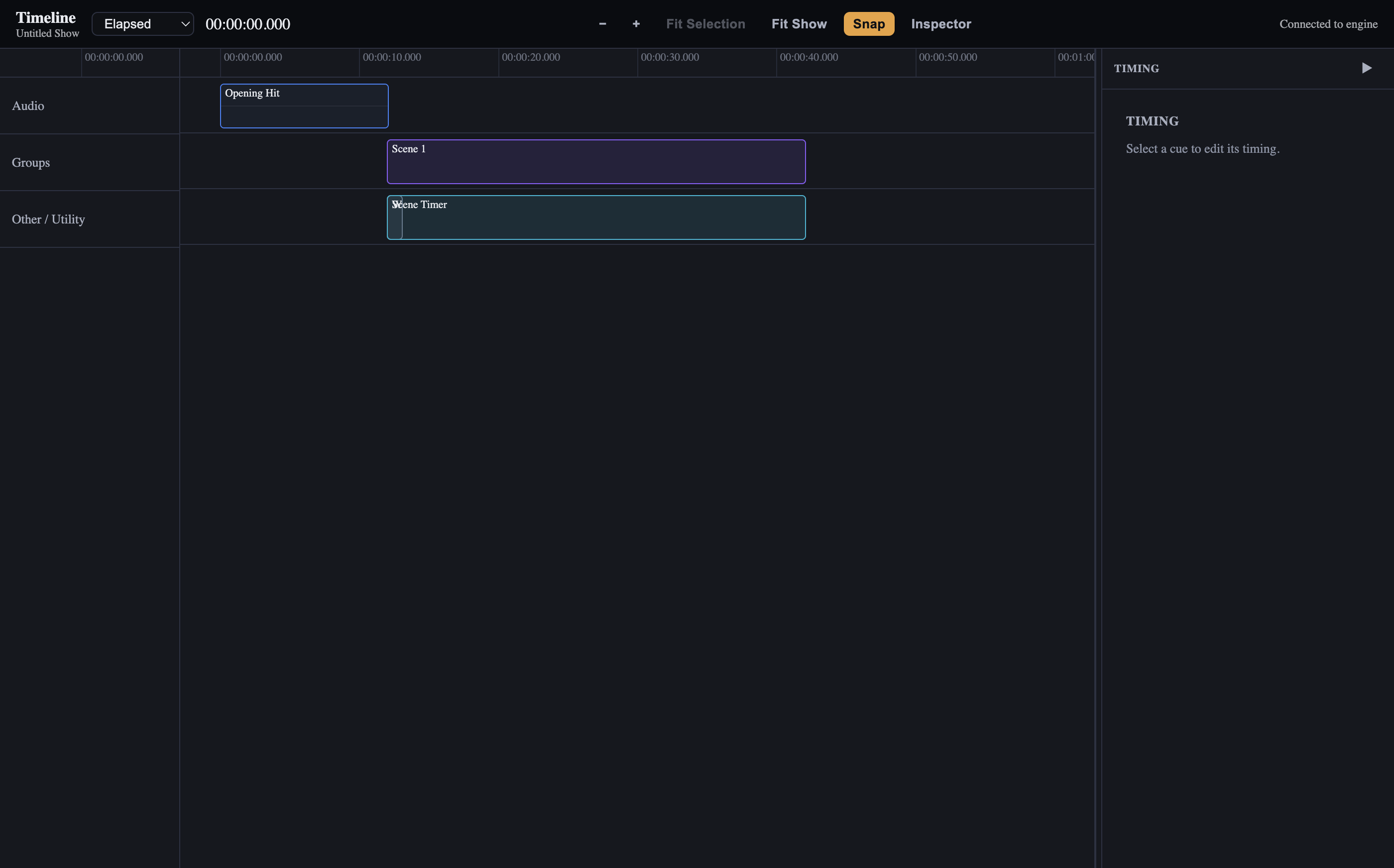
Window → Timeline opens “CueForge — Timeline”: a timecode ruler that follows engine show time. It is a zoomable view of the show’s timing, useful for rehearsing and for checking that timed elements land where they should.
- Zoom and snap controls refine the view (
Stoggles snap,Cmd +/-zooms,Cmd+0fits the whole show,←/→pan,Home/Endjump to the ends). - Time display selection matches the main window’s display modes.
Itoggles the inspector.
The Timeline window with the timecode ruler following engine show time.
Operators typically keep the Timeline open during music-heavy shows to watch phrase and marker positions against show time, and the Show Graph to confirm structure. Both update live but never touch the running show.